Creating a New Addon Project
You can start development with a simple addon, along with a structure that includes tests and CI already set up.
- Go to File > New Project
- Select Blender addon from the generator list on the left.
- Configure your project location and click Create.
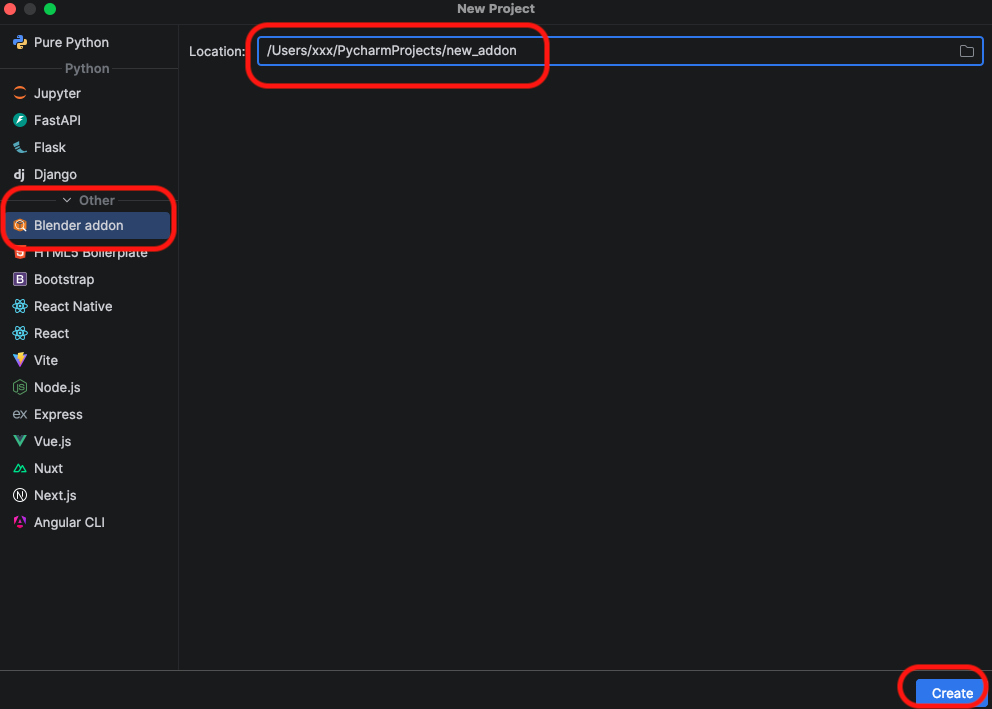
This generates a clean project structure compliant with Blender 4.2+ Extensions:
my_addon_package/: The addon’s Python package. A package with the name you entered in the wizard will be created.tests/: A ready-to-run test suite..github/: CI workflows for GitHub Actions.LICENSE: A GPLv3 license file.pyproject.toml: Python tooling configuration.